How do I change what counts as productive?
For owners and admins
Add a rule in Settings → Productivity rules, or change it straight from the app’s page in Reports.
- 1Open Settings → Productivity rules.
- 2In Apps and sites used, find the app or website and click Productive, Neutral or Unproductive next to it.
- 3Not in the list? Type a word in Or a pattern (like atlassian.net), choose Counts as, and click Add rule.
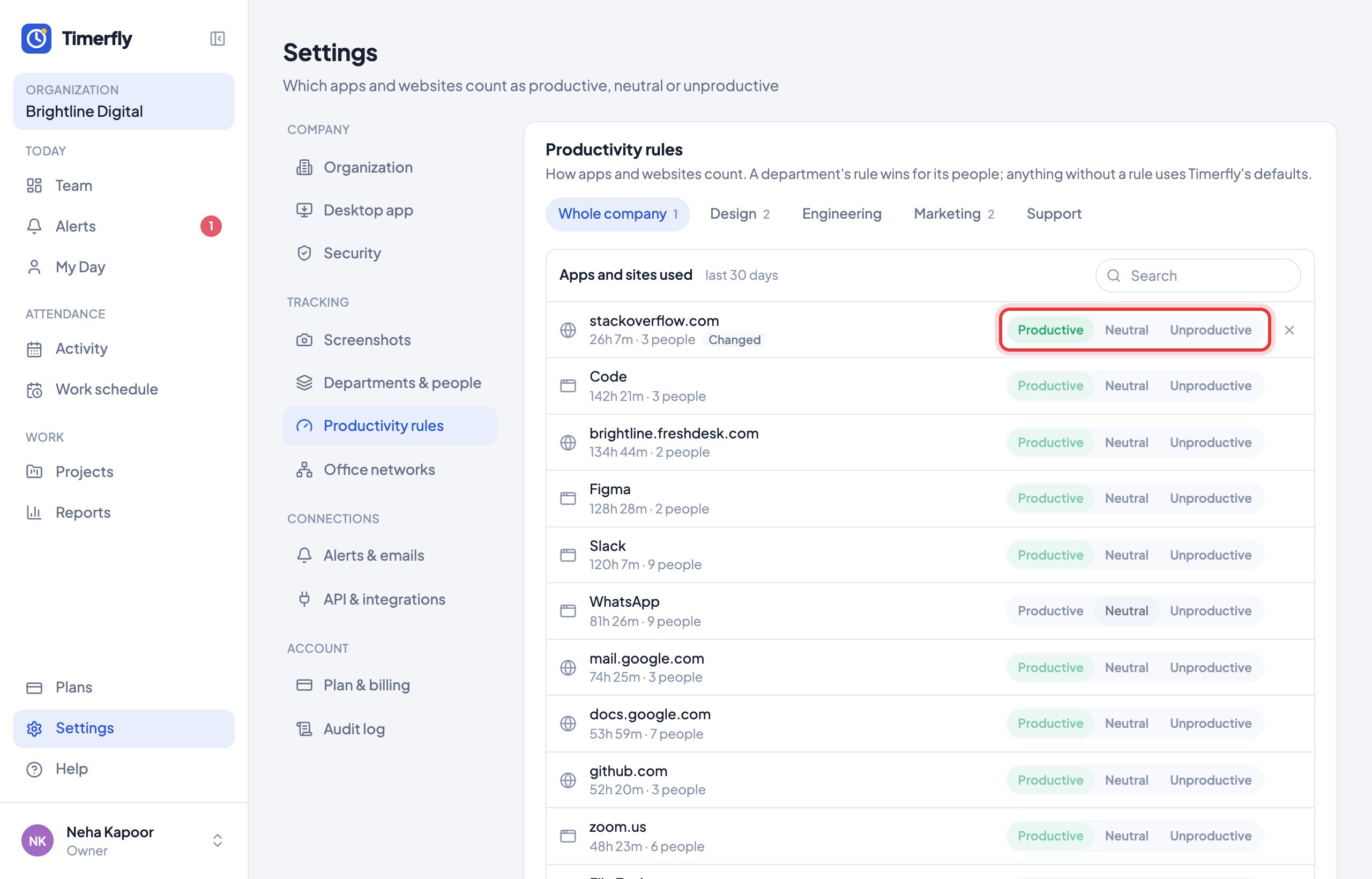
A website rule wins over the browser it’s open in. Changing a rule also updates the last 30 days.
Still stuck? We’re happy to help.
Ask usMore on productive time
New to Timerfly?
Try every feature free for 14 days.