Can I choose what employees see of each other, or stop managers changing the schedule?
For owners and admins
Yes. In Settings → Permissions, choose whose schedule and whose days away employees see, and whether department managers can change the schedule.
- 1Open Settings → Permissions.
- 2Click the pencil next to Schedules, Activity or Managers.
- 3Pick a choice and click Save.
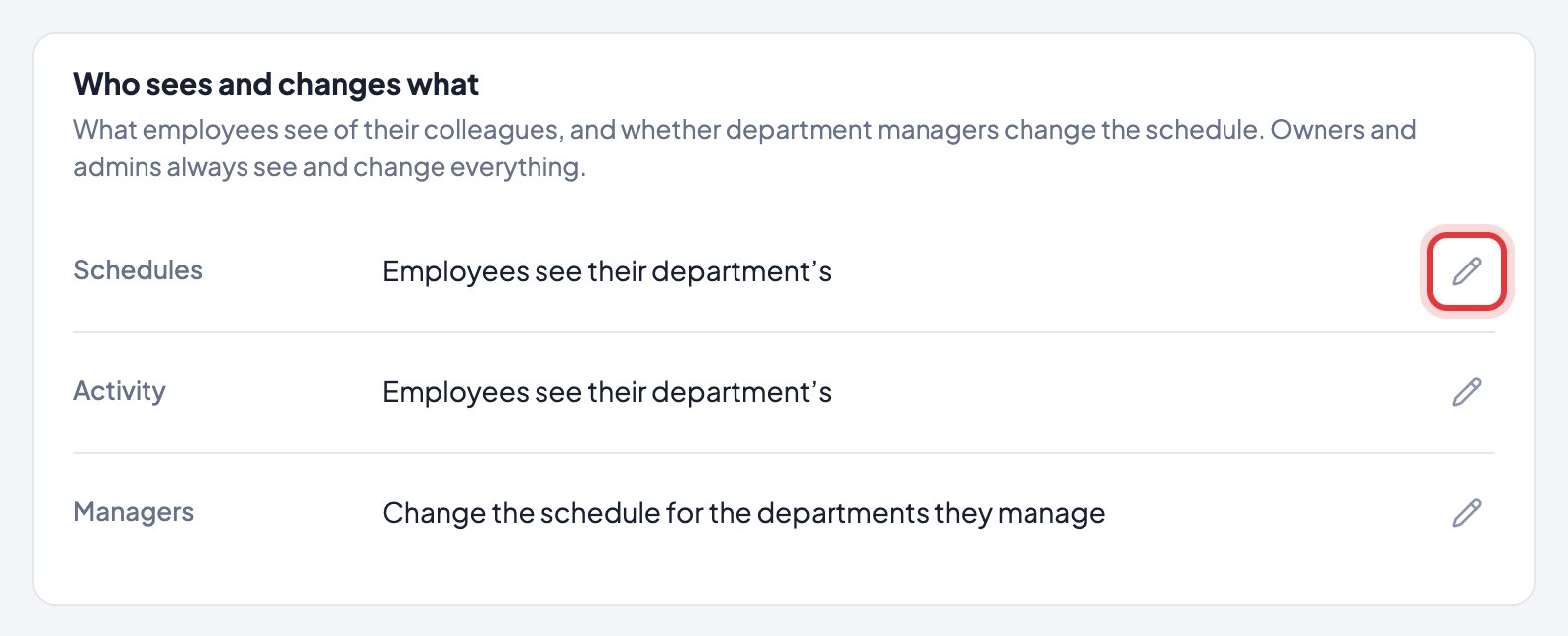
Schedules — on Work schedule, employees see only their own shifts, their department’s, or everyone’s. Their department is the default. Swaps are always with someone in their department.
Activity — on the Activity calendar, employees see only their own days, or also which days the people in their department (or the whole company) worked, were absent or were away. Leave shows as “Away”, never the reason, and never how many hours.
Managers — either they plan their departments’ shifts and approve their shift requests (the default), or they can only look and admins do both.
Hours, apps and screenshots are never shown to colleagues, whatever you choose. Owners and admins always see and change everything. It’s on every plan.
More on your team
- How do I add my team?
- Someone didn’t get the invite, or it expired.
- Why does someone show "No app yet"?
- How do I make departments?
- What can the owner, admins, managers and employees do?
- Can a team lead see only their own team?
- Someone left. How do I remove them?
- How do I change a name?
- One person works different hours. How do I set them?
- Some people don’t keep set working hours. How do I stop them showing as late or absent?
- What can my manager see? What can I see?
- How do I make someone else the owner?
- Can I, as the owner, keep my own time private?