How do I choose a plan and pay?
For owners and admins
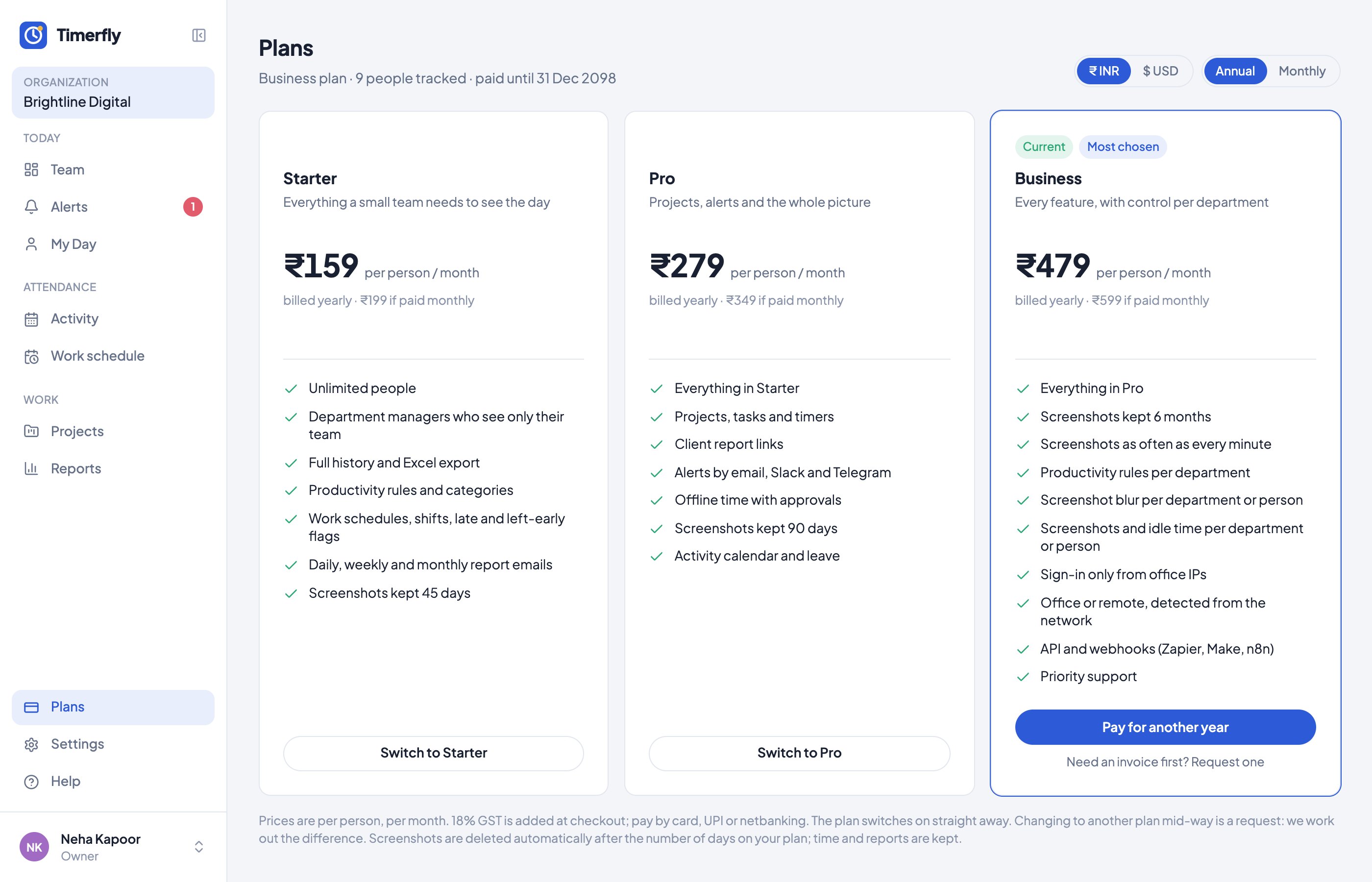
On Plans, click the plan, choose monthly or yearly and how many people, fill in your invoice details and pay.
- 1Open Plans (the owner pays).
- 2Choose Annual or Monthly at the top, then click Choose on a plan.
- 3Enter the number of People and your GST details.
- 4Click Pay (or Start autopay) and finish in Razorpay.
Still stuck? We’re happy to help.
Ask usMore on plans and billing
- What happens when the trial ends?
- How many people can I add during the trial?
- Which plan do I need?
- How is the price counted?
- How can I pay?
- Do I get a GST invoice?
- How do I add or remove people on my plan?
- How do I move to a bigger plan in the middle of my year or month?
- How do I stop autopay?
- Our workspace says "paused". What now?
- Can I get a refund?
New to Timerfly?
Try every feature free for 14 days.