How do projects work?
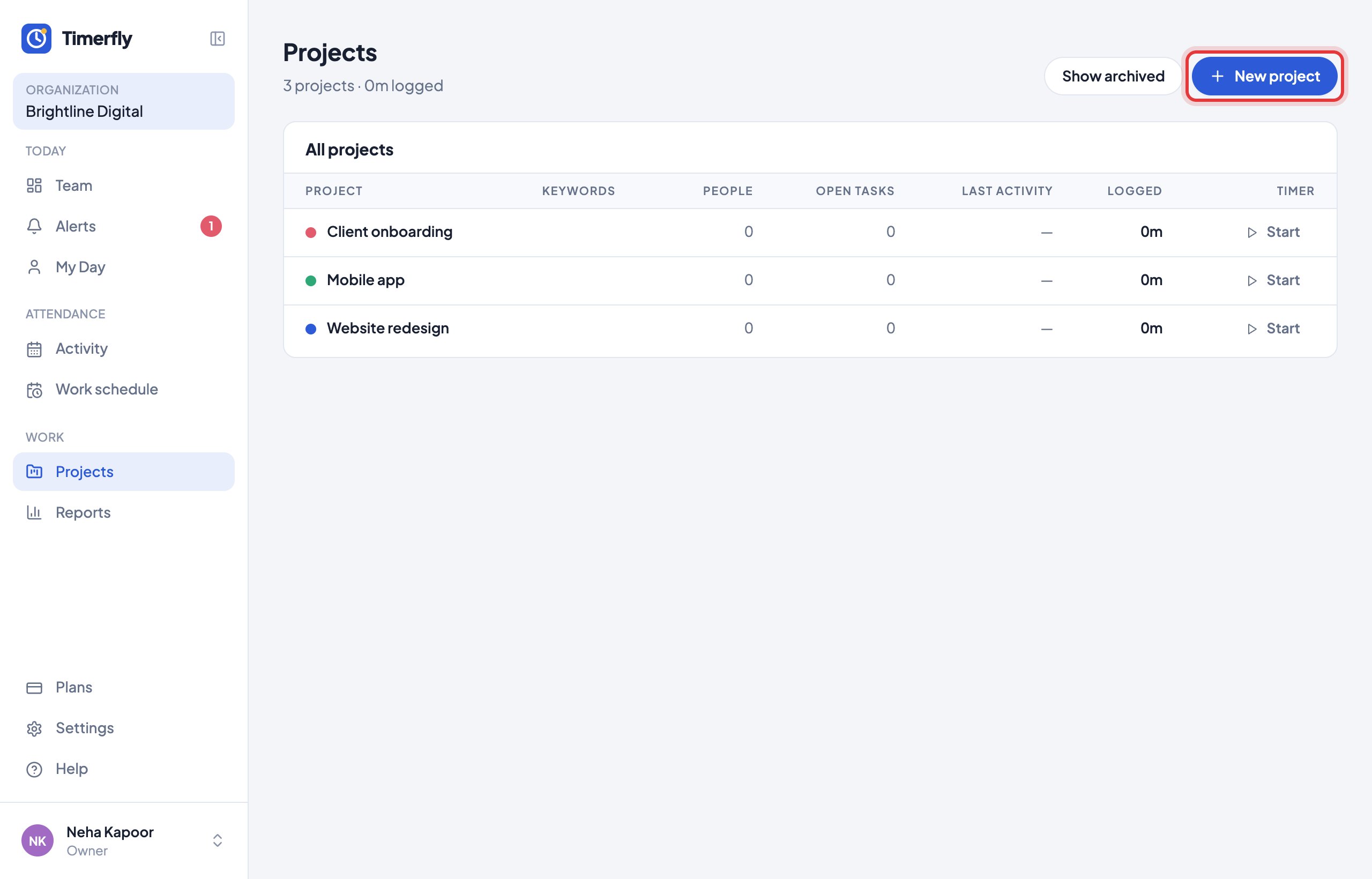
Make a project, and people start a timer on it (on the website or in the app). You see the hours per project, per person, and what they were doing.
- 1Admins: open Projects → New project, type a name and click Create.
- 2Anyone: click Start on a project (or pick it under Working on… in the app). Click Stop when you switch.
On the Pro plan and above. Forgot the timer? Add the time with Add manually on the project.
Still stuck? We’re happy to help.
Ask usMore on reports and payroll
- How do I read the Team page?
- How do I read My Day?
- What’s in Reports?
- How do I see one person over a month?
- How do I see overtime?
- How do I export a report to Excel or PDF?
- Can we run payroll from Timerfly?
- Our pay month runs from the 26th to the 25th. Does that work?
- Can I get reports by email?
- Can I give people tasks?
- Can I show a client the hours spent on their project?
- Can I see what a project costs?
New to Timerfly?
Try every feature free for 14 days.